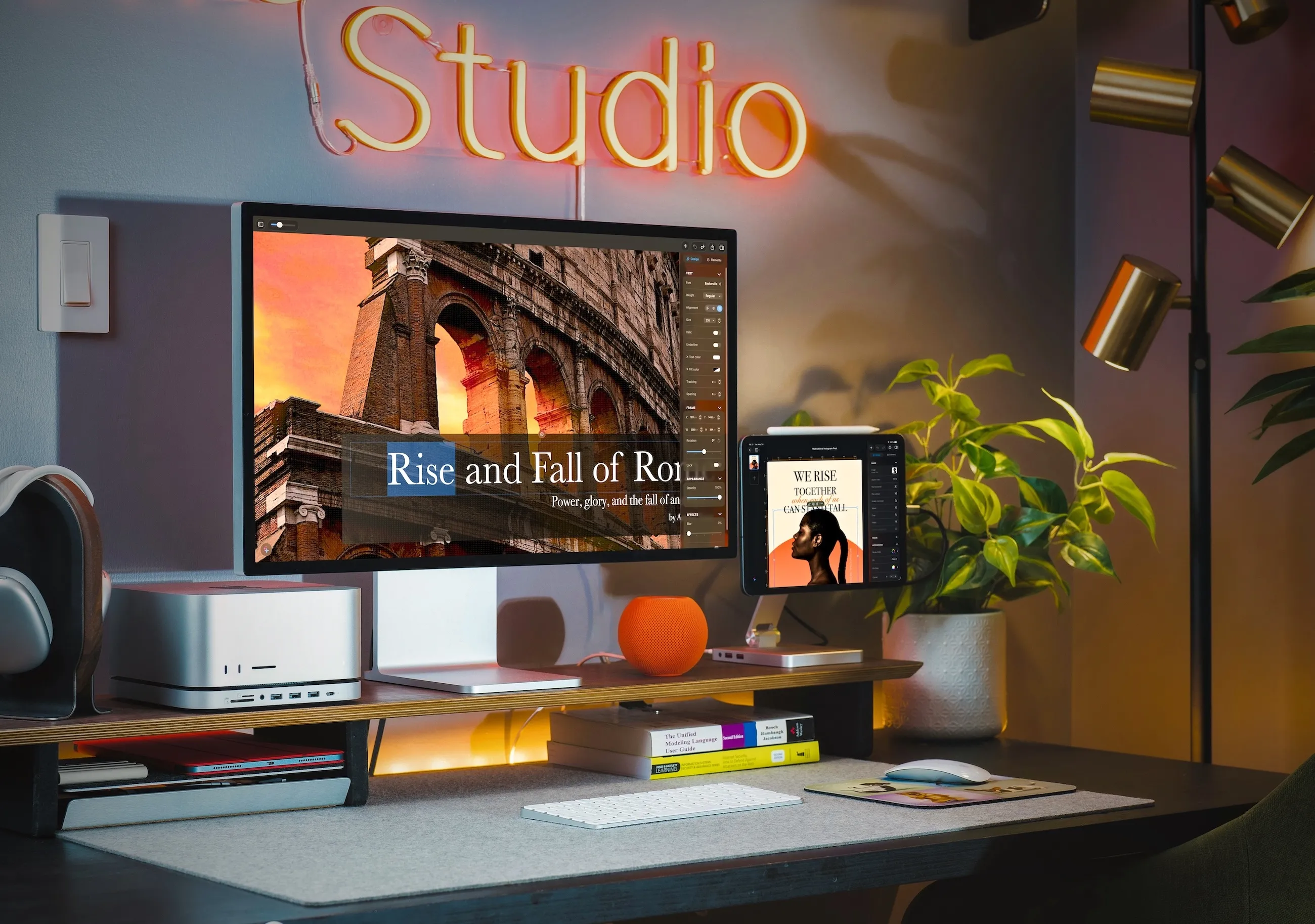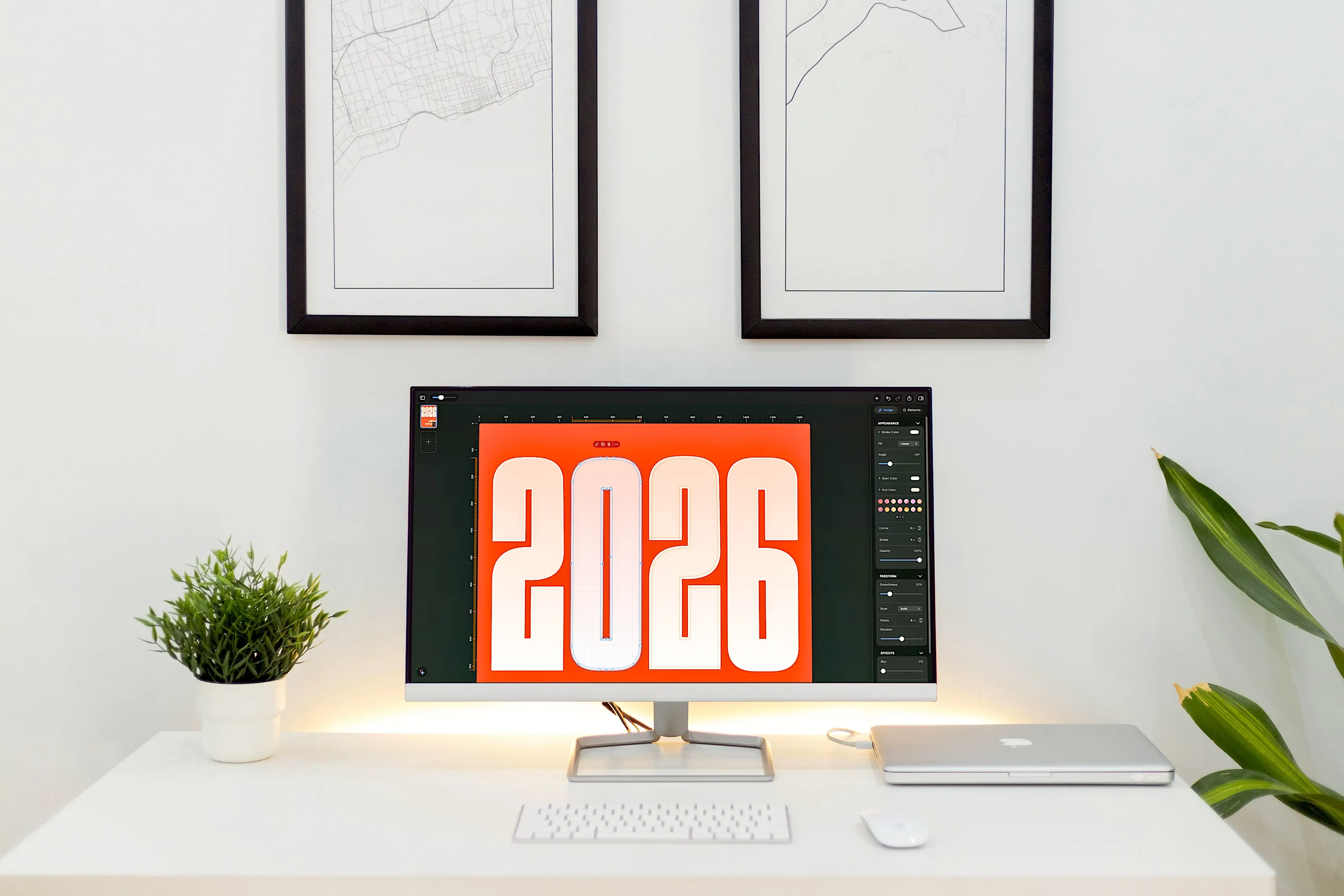
Meet Pixara
A complete design studio, native to Apple.
Shapes, rich text, photos, charts and drawing — composed on one infinite canvas. From a quick CV to a full presentation.

Features
Meet Pixara
Shapes, rich text, photos, charts and drawing — composed on one infinite canvas. From a quick CV to a full presentation.
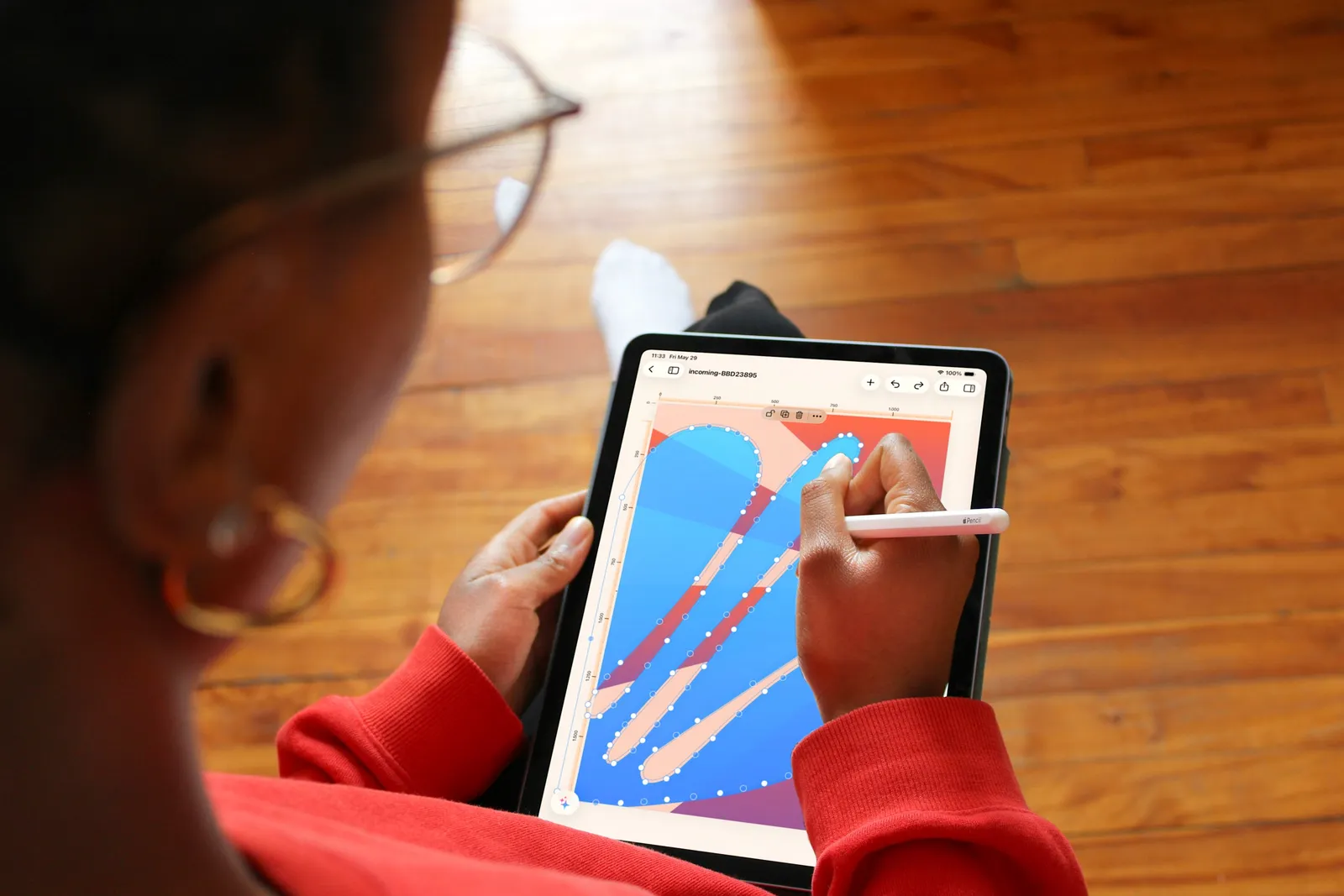
Vector drawing
Draw, shape and refine every curve with Apple Pencil. Crisp at any size, on every device.
Magic Move
Link objects across pages and Pixara animates the transitions for you — Keynote-style Magic Move, right on your canvas.

Export
Export to PDF, PNG, JPG and more — or render your animated presentation straight to video, up to 60fps, on device.
In the wild
From a quick edit on iPhone to a full presentation on the Studio Display — the same infinite canvas, native to each Apple device.